 Tabfinity
Personal Browser Workspace
A calmer way to keep everything you save.
A workspace for what you save: tabs and folders that fit the way you work, instant search across all of it, and everything stored in your own browser.
Features
Everything you save, in one place you actually like opening
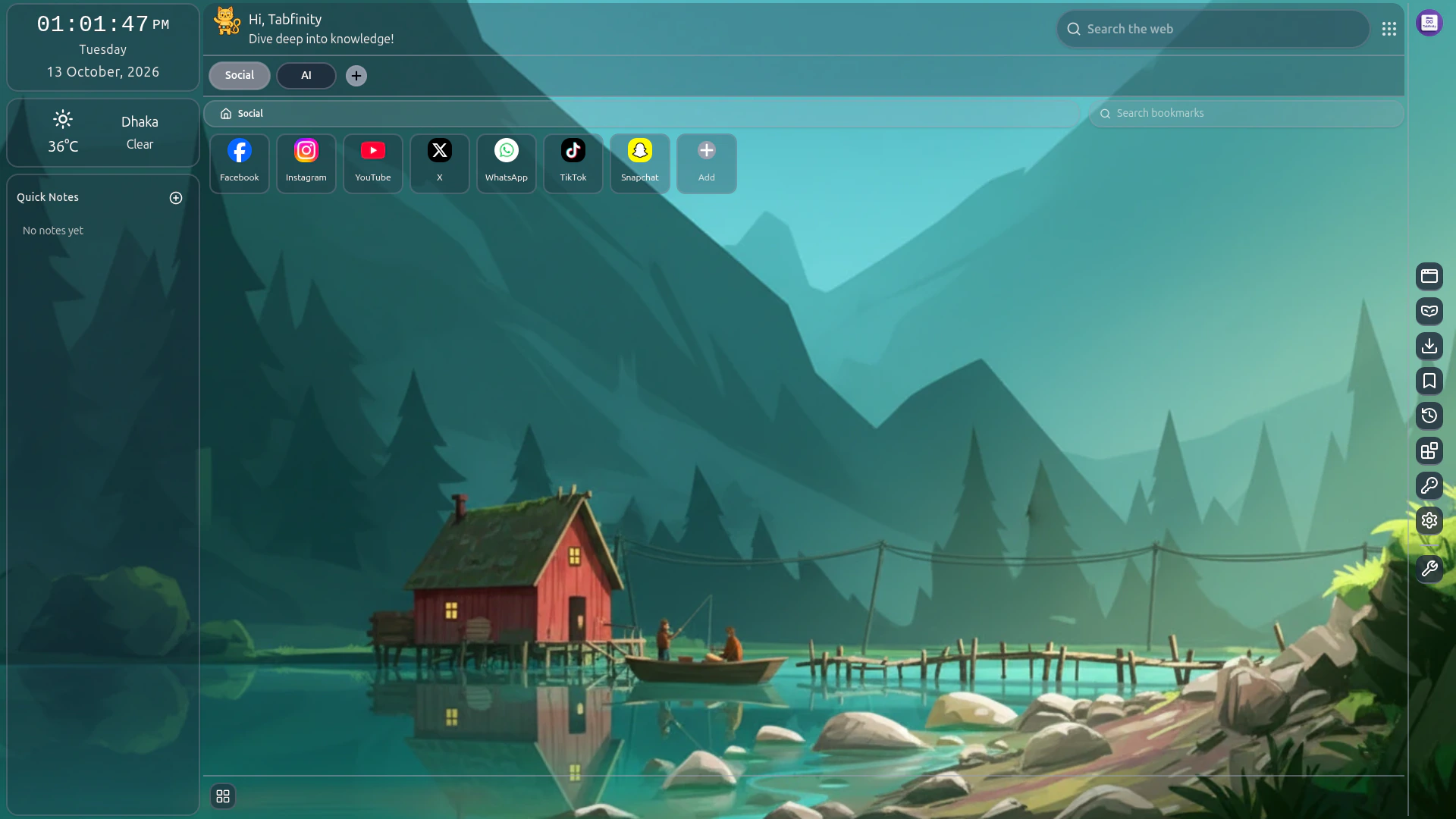
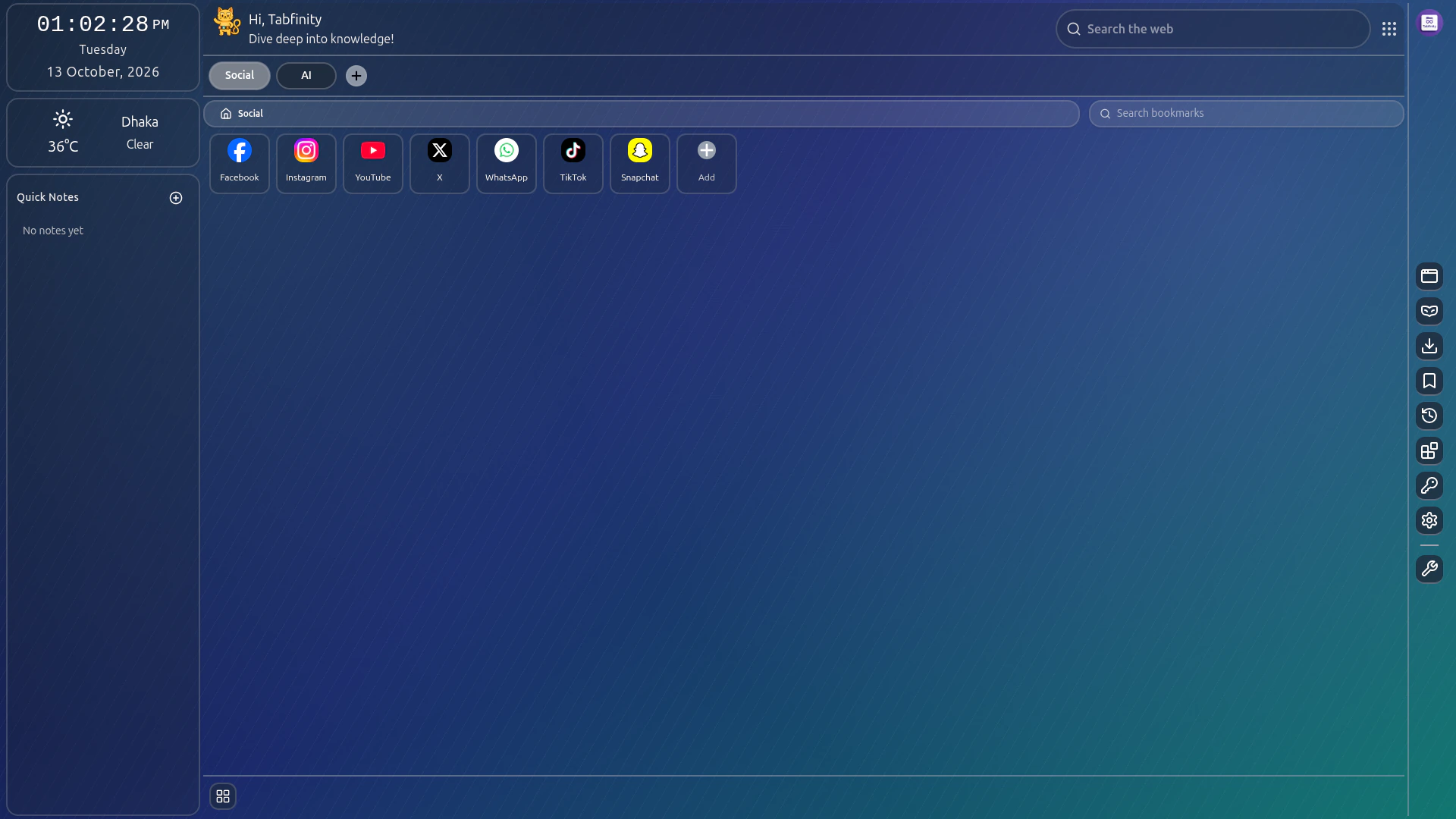
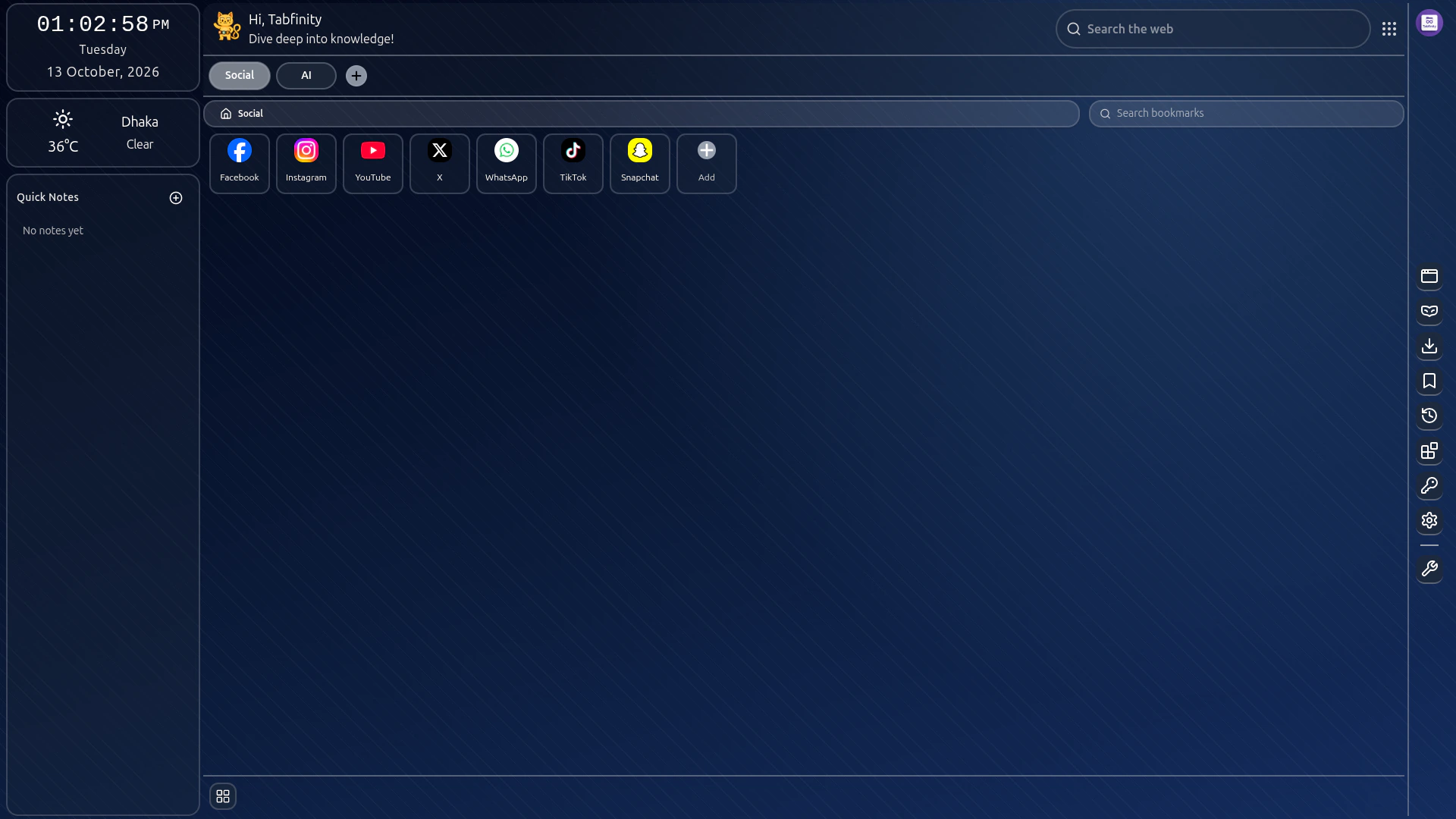
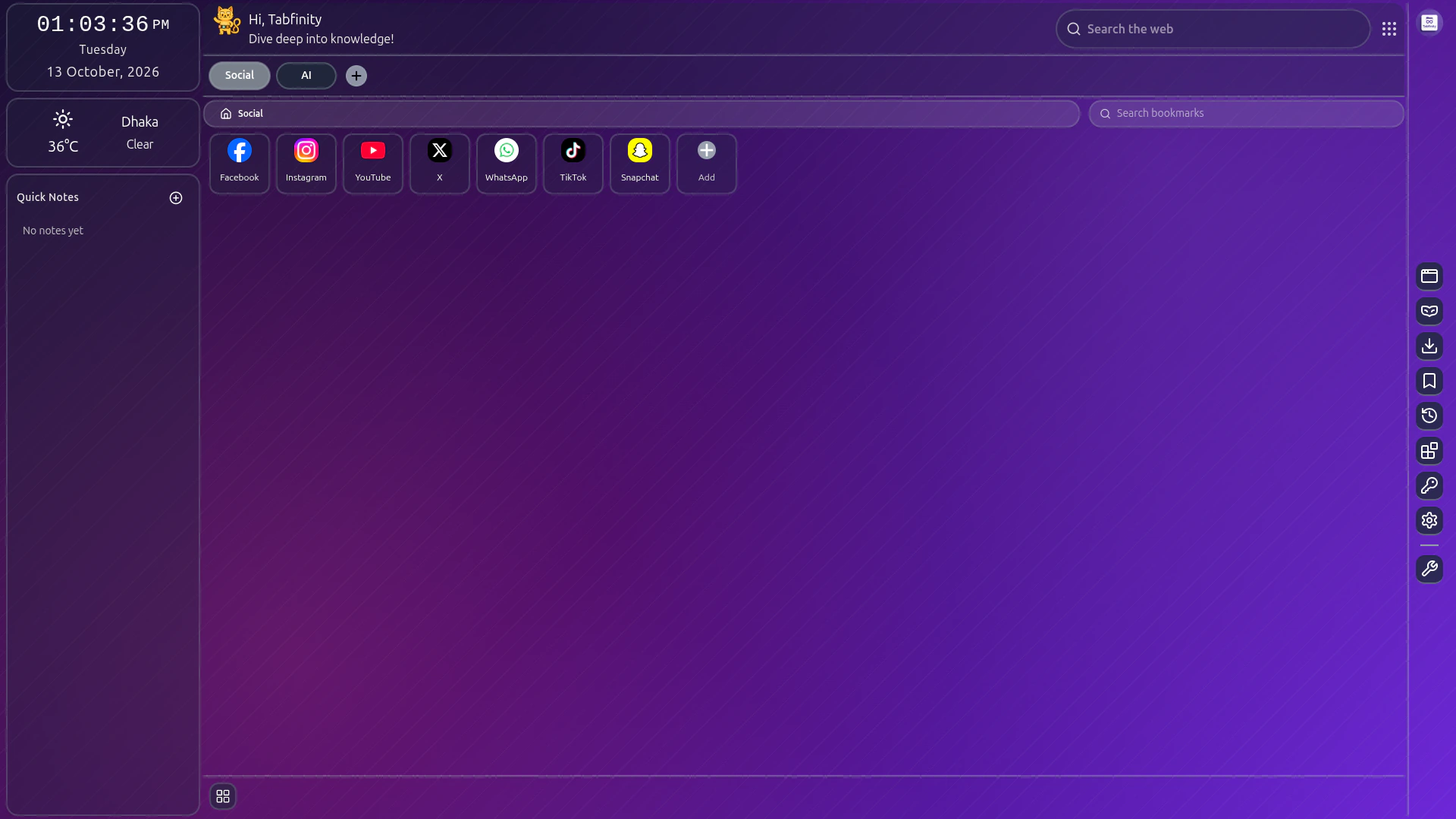
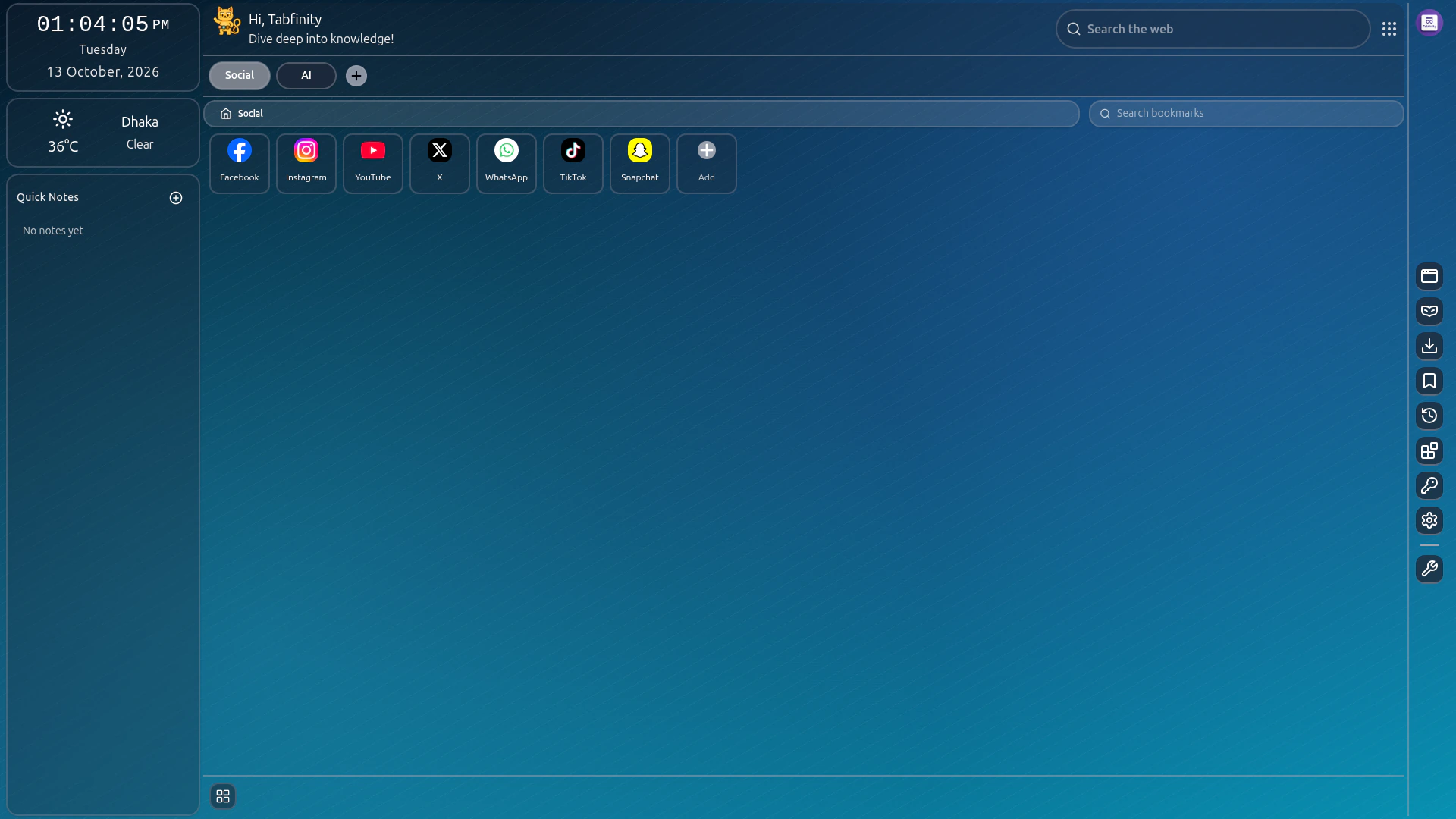
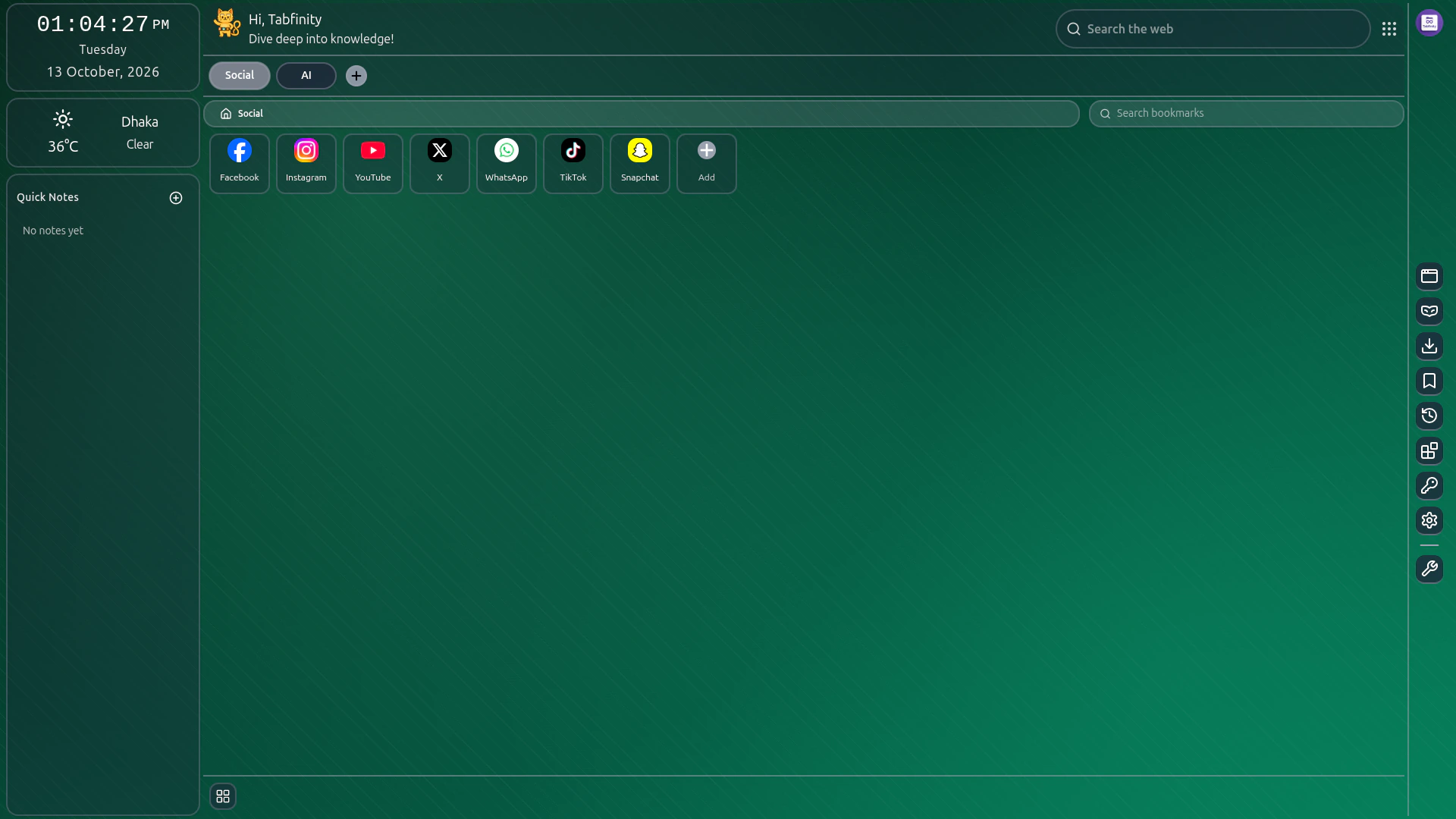
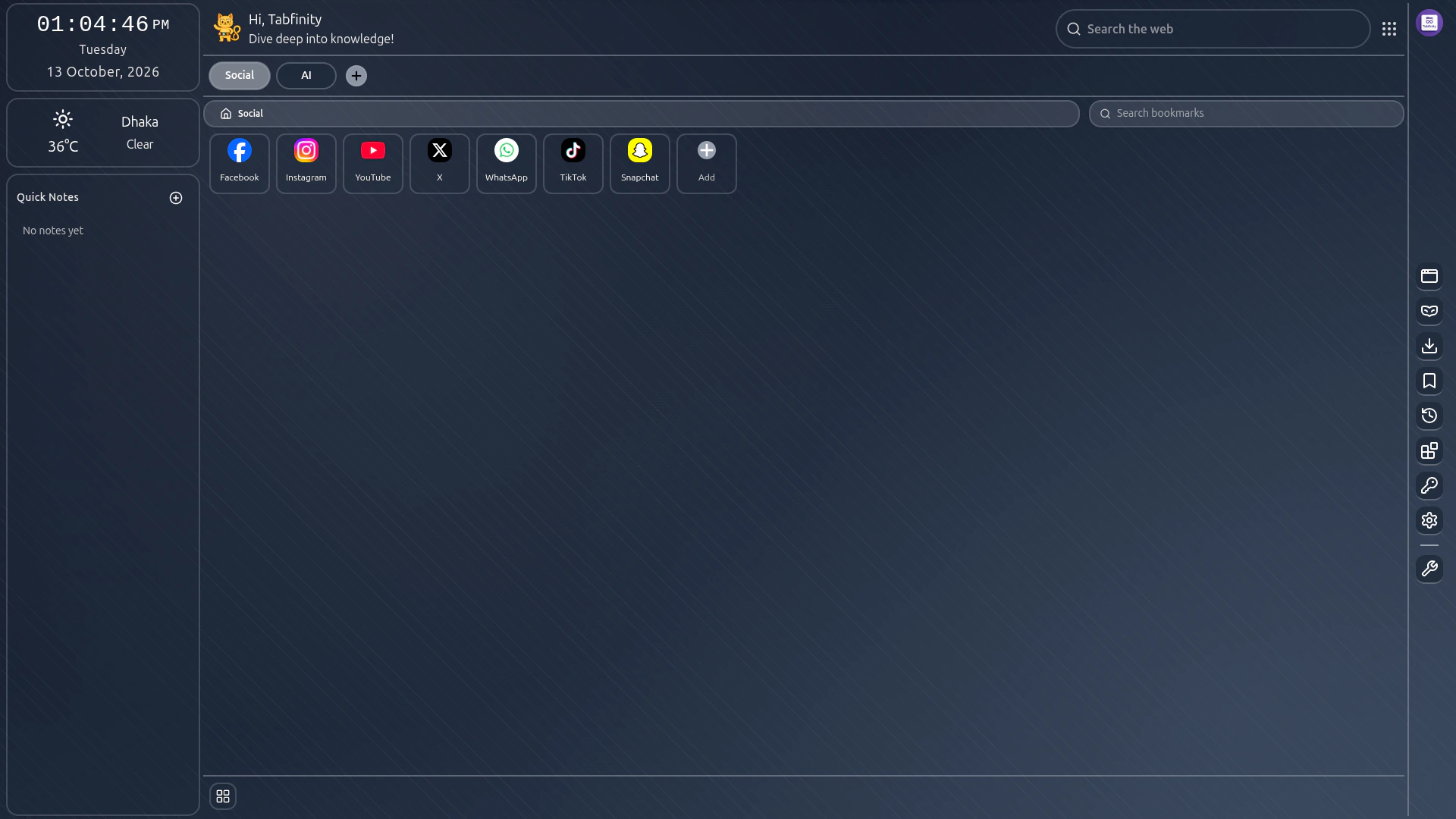
Your workspace is already there when you open a new tab: everything you save, arranged the way you want it.
Tabs and folders
Keep what you save in tabs, nest folders inside them, and move anything into place.
Instant search
Search everything you save as you type, and search the web from the same box with suggestions as you go.
Icons and descriptions
Give folders and bookmarks a custom icon and a short note, so the grid tells you what everything is at a glance.
Backgrounds and widgets
Set a background image, then arrange a clock, the weather for your area, and a quick-notes panel around your bookmarks.
Everyday tools
A calculator, a QR code generator and a password generator, one click away from your workspace.
- Premium
Premium tools
A whiteboard, a subscription tracker and a warranty keeper, for plans that include them.
Stored in your browser
Your bookmarks live in Chrome’s own bookmark tree, so Chrome syncs them the way it syncs any other bookmark.
How it works
Set up in a couple of minutes
No import, no migration and no account required to use the core app.
Install the extension
Tabfinity replaces Chrome’s new tab page. Open a new tab and your workspace is already there.
Make it yours
Create tabs for the parts of your life, folders inside them, and put what you save where it belongs.
Sign in only if you want more
The core app works without an account. Signing in with Google unlocks the 14-day trial and paid plans.
Pricing
Free to use, premium when you want the extra tools
Payments are handled by Paddle, our merchant of record. A 14-day trial needs no card.
Free
$0forever
Everything you need to organise what you save.
- Up to 3 tabs and unlimited bookmarks
- Organise what you save into tabs
- Search across your workspace and the web
- Custom icons, background and widgets
- Calculator, QR code and password tools
Free trial
$0for 14 days
The premium tools, free for two weeks with no card required.
- Every premium tool, unlocked for 14 days
- No card and no charge
- Ends on its own and returns you to Free
- Available once per account
Monthly
$2per month
The full toolbox, billed monthly and cancelled any time.
- Everything in Free, with no tab limit
- Folders to group what you save
- Whiteboard, subscription tracker and warranty keeper
- Renews monthly until you cancel
Annual
$18per year
The full toolbox, billed yearly ($24 list price).
- Everything in Free, with no tab limit
- Folders to group what you save
- Whiteboard, subscription tracker and warranty keeper
- Save 25% against the monthly plan
- Renews yearly until you cancel
Subscriptions renew automatically and can be cancelled at any time. See the Terms of Service for plan details, cancellation and refunds.
Privacy
Your bookmarks stay yours
Tabfinity stores what you save in your own browser. There is no analytics service, no advertising and no data brokerage behind it.
What you save, your notes, icons and settings stay in your browser.
No analytics, no advertising, and no selling of personal data.
The extension only reads the tabs and bookmarks you create in it.
The full detail — what an account stores, and which third-party services the extension contacts — is in the Privacy Policy.
A calmer place for everything you save
The core app is free and needs no account. Premium tools, including the whiteboard and the subscription tracker, come with the paid plans.
Tabfinity is in active development: features and plans described here are those implemented today and may change.