 Tabfinity
Tools
Everyday tools, built in.
Seven small tools that open over your new tab, one click from the workspace. The first four, the calculator, QR code generator, password generator, and whiteboard, come free with the extension. The three after them are part of Premium.
The tools are one part of the workspace. What sits around them: See the full workspace.
Calculator
Quick sums without leaving the tab.
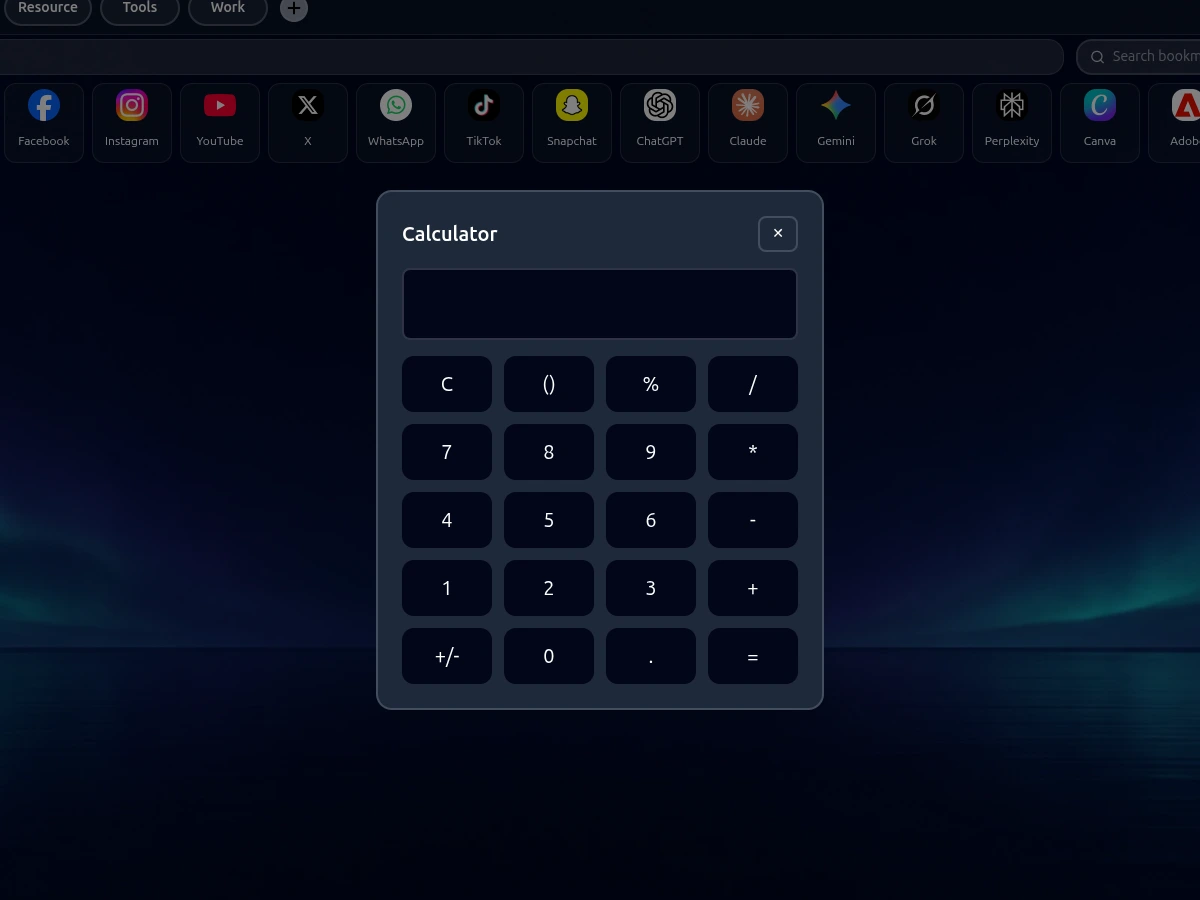
A pocket calculator that opens over the workspace, with the keys you expect and a full keyboard mode.
What it does
- Add, subtract, multiply and divide, with parentheses and percentages.
- Toggle the sign of the current number or clear the entry with one key.
- Type the whole expression on your keyboard, with Enter to evaluate and Backspace to correct.
Why it helps
- Do the sum without opening another app or losing the tab you were on.
- Keyboard support keeps the calculation quick for anyone who works on the number row.
- The result stays on screen until you close the tool, so it is easy to read back.
QR Code
Turn any link or line of text into a scannable code.
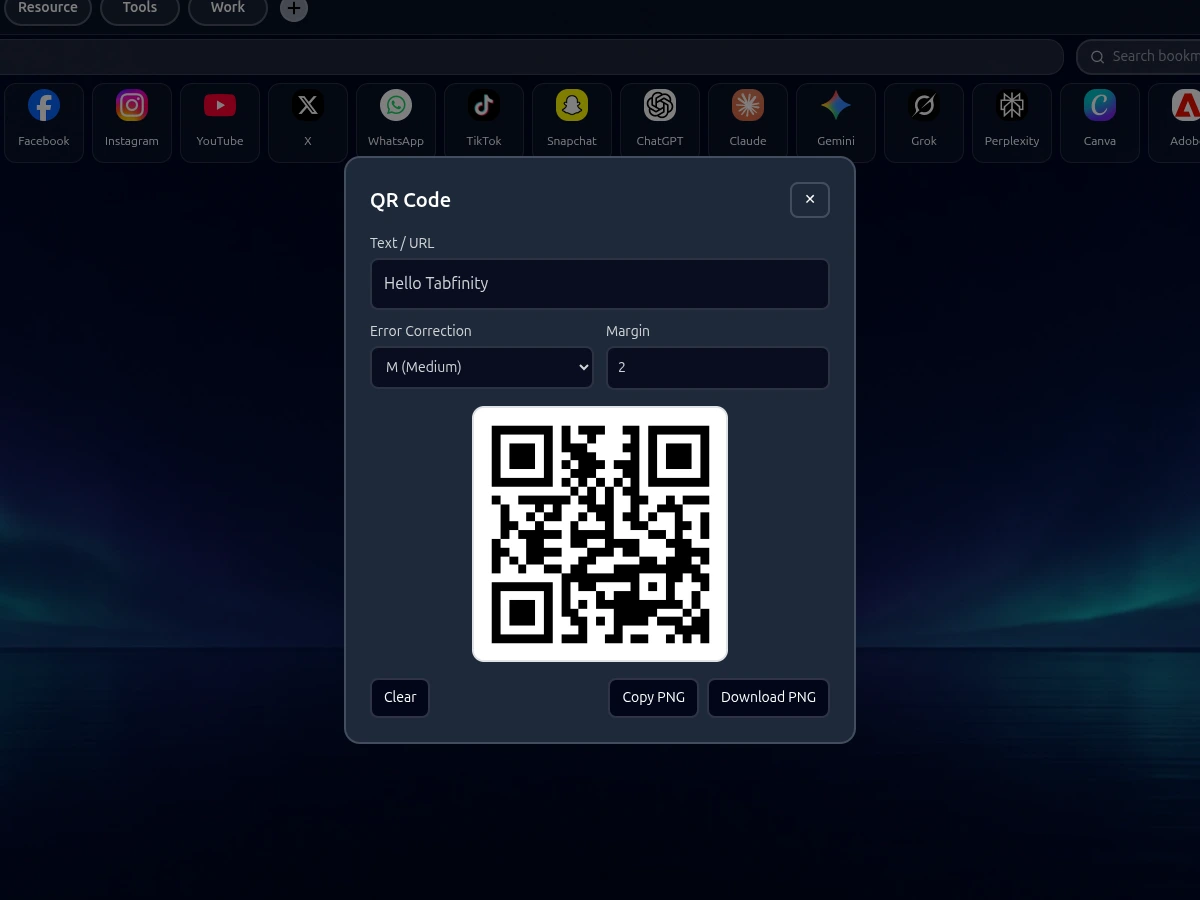
Generate a QR code in the tab, adjust it, then copy or download the PNG.
What it does
- Type or paste any text or URL and watch the code render as you type.
- Choose low, medium, quartile or high error correction.
- Set the quiet margin from 0 to 8 modules.
- Copy the PNG to the clipboard or download it as an image.
Why it helps
- Move a link from your desktop to your phone without emailing it to yourself.
- Higher error correction keeps a code readable when it is printed small or partly covered.
Password Generator
Strong passwords in one click.
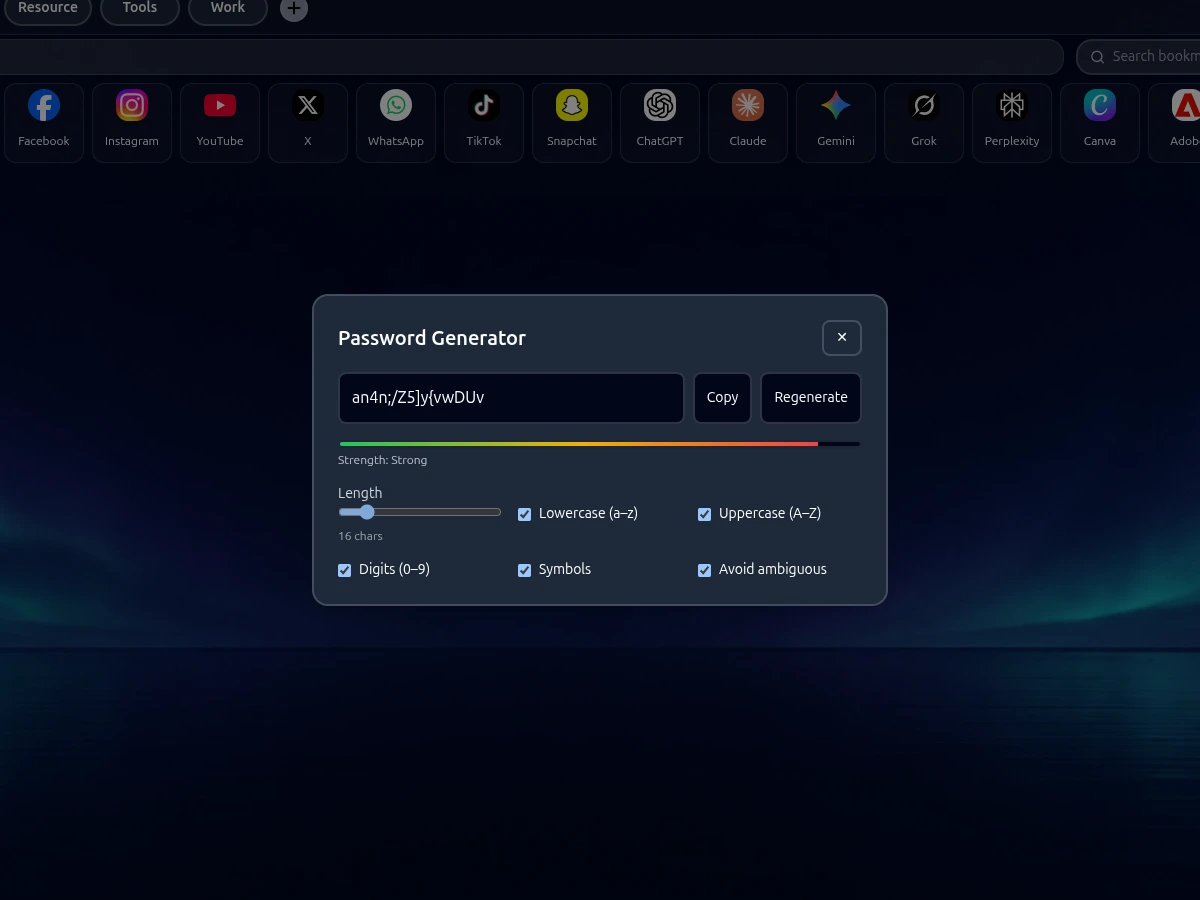
Build a random password to the length and character rules you want, then copy it.
What it does
- Choose a length from 8 to 64 characters.
- Include lowercase, uppercase, digits and symbols, with an option to avoid ambiguous characters.
- See a strength meter rate the result as weak, medium or strong.
- Regenerate instantly and copy the password with one button.
Why it helps
- Passwords come from the browser's cryptographic random source, never a predictable pattern.
- At least one character from every set you select is guaranteed, so site rules are easier to satisfy.
- The password goes to your clipboard and is not kept in a list you have to protect.
Whiteboard
Sketch a plan without leaving your new tab.
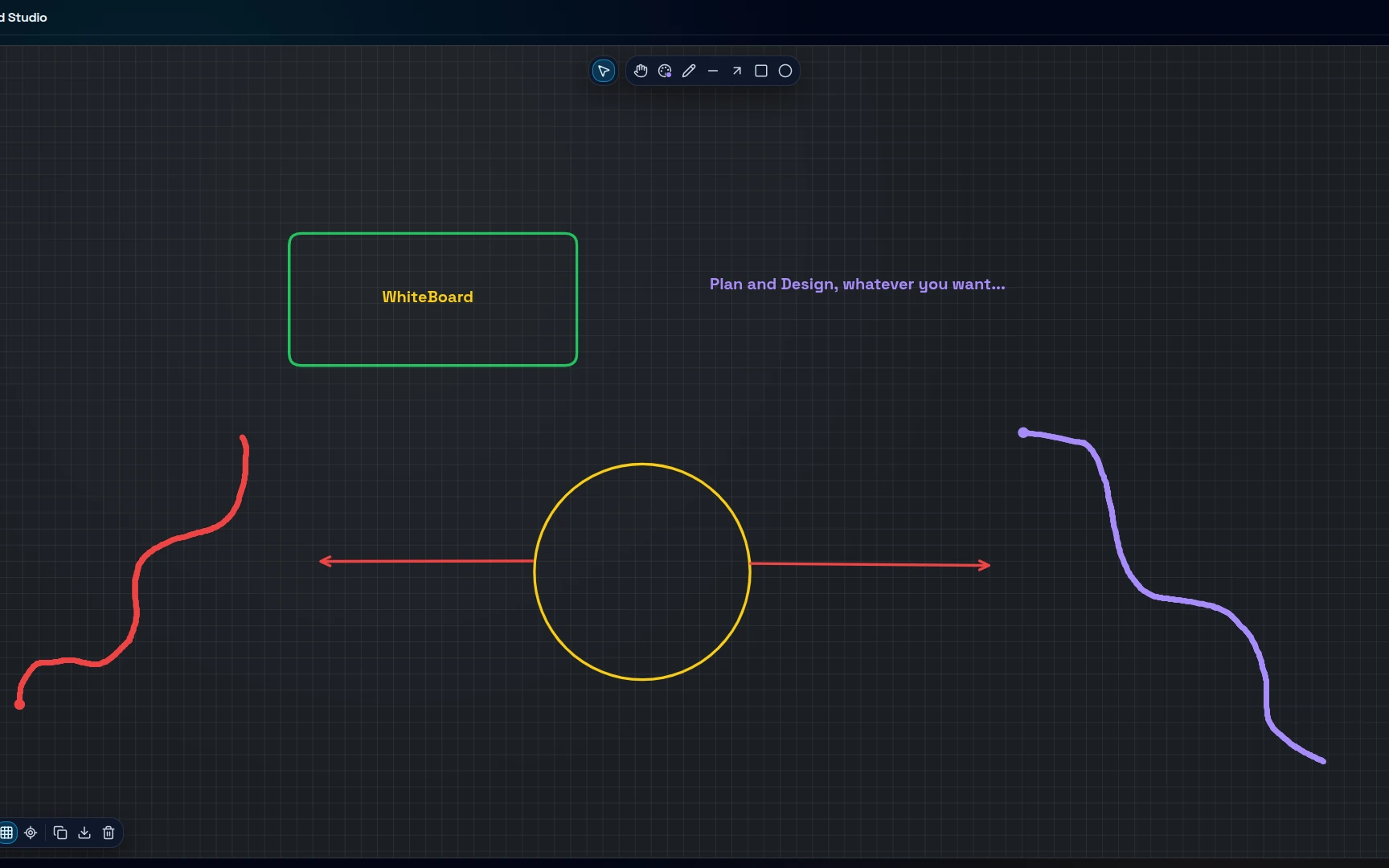
A full-screen board with pens, shapes and text, built for quick thinking rather than finished design work.
What it does
- Draw freehand, or add lines, arrows, boxes and circles.
- Pick from six colors or a custom one, with stroke widths from 2 to 16 pixels.
- Double-click to type text anywhere on the board.
- Pan and zoom, toggle the grid, undo and redo, then copy or download the board as a PNG.
Why it helps
- Get an idea out of your head without opening a separate drawing app.
- Export the board as an image for a note, a message or a document.
- The board lasts until you close the tool.
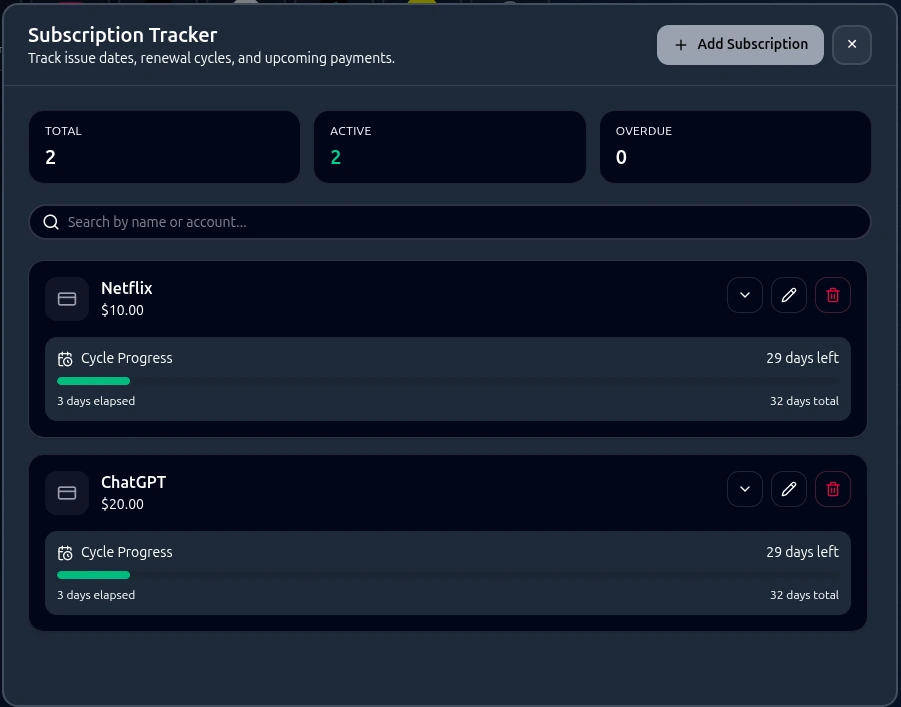
Subscription Tracker
PremiumKnow what renews, and when.
Keep one record for each subscription and see its renewal cycle at a glance.
What it does
- Add a subscription with its issue and end dates, amount and currency.
- See totals for all, active and overdue subscriptions.
- Read a cycle bar with days left, days elapsed and the cycle length.
- Search by name or account, then edit or delete a record.
Why it helps
- See how many days are left on each cycle, so a renewal does not arrive as a surprise.
- Replace a scattered spreadsheet with one list that is easy to scan.
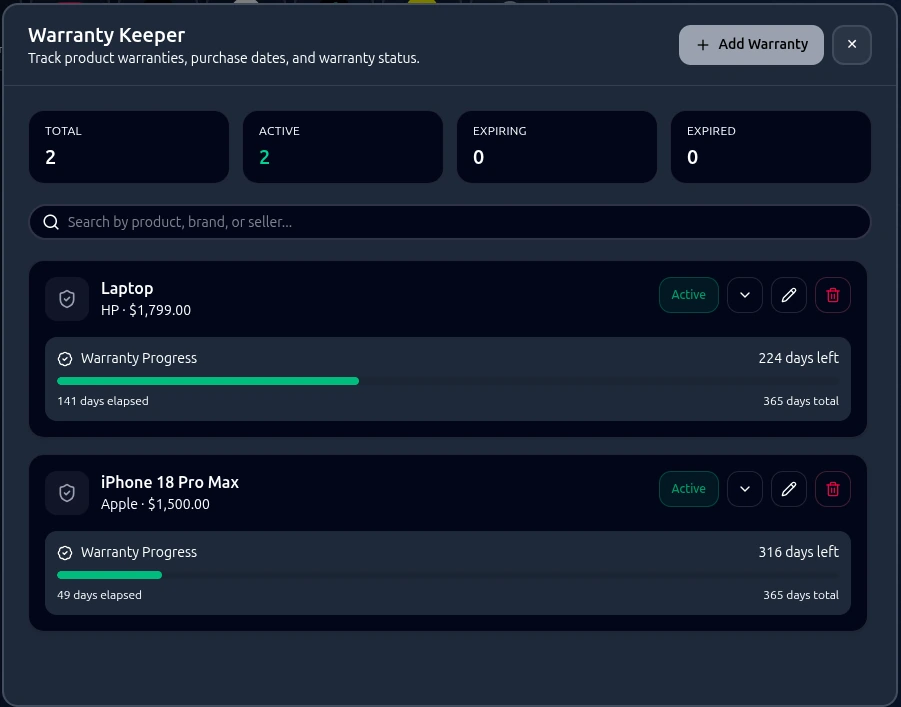
Warranty Keeper
PremiumEvery warranty, with its expiry in view.
Track products, purchase dates and warranty status, with the details you need when a claim comes up.
What it does
- Record the product, brand, purchase date, warranty end date, price and currency.
- Keep the seller, model number, serial number and notes with each item.
- See totals for all, active, expiring and expired warranties.
- Search by product, brand or seller, and open a record for its full details.
Why it helps
- Know which warranties are close to expiring before the window closes.
- Keep the serial and seller details with the product, where a claim needs them.
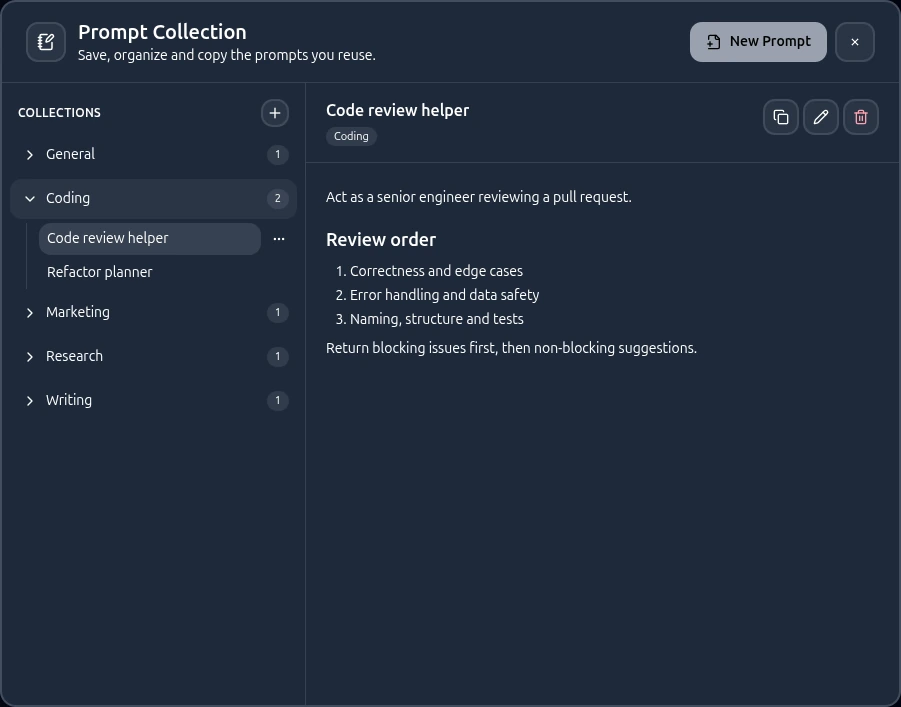
Prompt Collection
PremiumKeep the prompts you reuse close at hand.
A Markdown prompt library with collections, a rendered preview and one-click copy, opened over your new tab.
What it does
- Create, edit and delete Markdown prompts, with a live rendered preview.
- Group prompts into collections, create them from the plus button, and reorder them by dragging.
- Copy the original Markdown source, or use a collection menu to add a prompt, rename the collection or delete it.
- See the prompt length in characters and as a percentage of the safe storage limit.
Why it helps
- Keep the prompts you reuse in one place instead of hunting through old chats or notes.
- Collections keep a long list easy to scan, with General always first for uncategorized prompts.
A calmer place for everything you save.
Bring your bookmarks, notes, and everyday tools together in one personal browser workspace.
Free to use. No account required for the core features.